Is it free?
Yes. Word Finder is free to download and use. It shows one small banner ad at the bottom of the screen, which optional Pro removes.
Does it need the internet?
No. The word list, the definitions and the screenshot reader are all in the app. Only the ad banner uses a connection.
How do I get it on iPhone?
While the App Store version is in review, iPhone users can join the public beta: install Apple's free TestFlight app from the App Store, then open the "iPhone beta on TestFlight" link on this page on your iPhone and tap Install. When the App Store version is out, TestFlight offers it as a normal update path, or you can switch to the App Store version.
Which games does it help with?
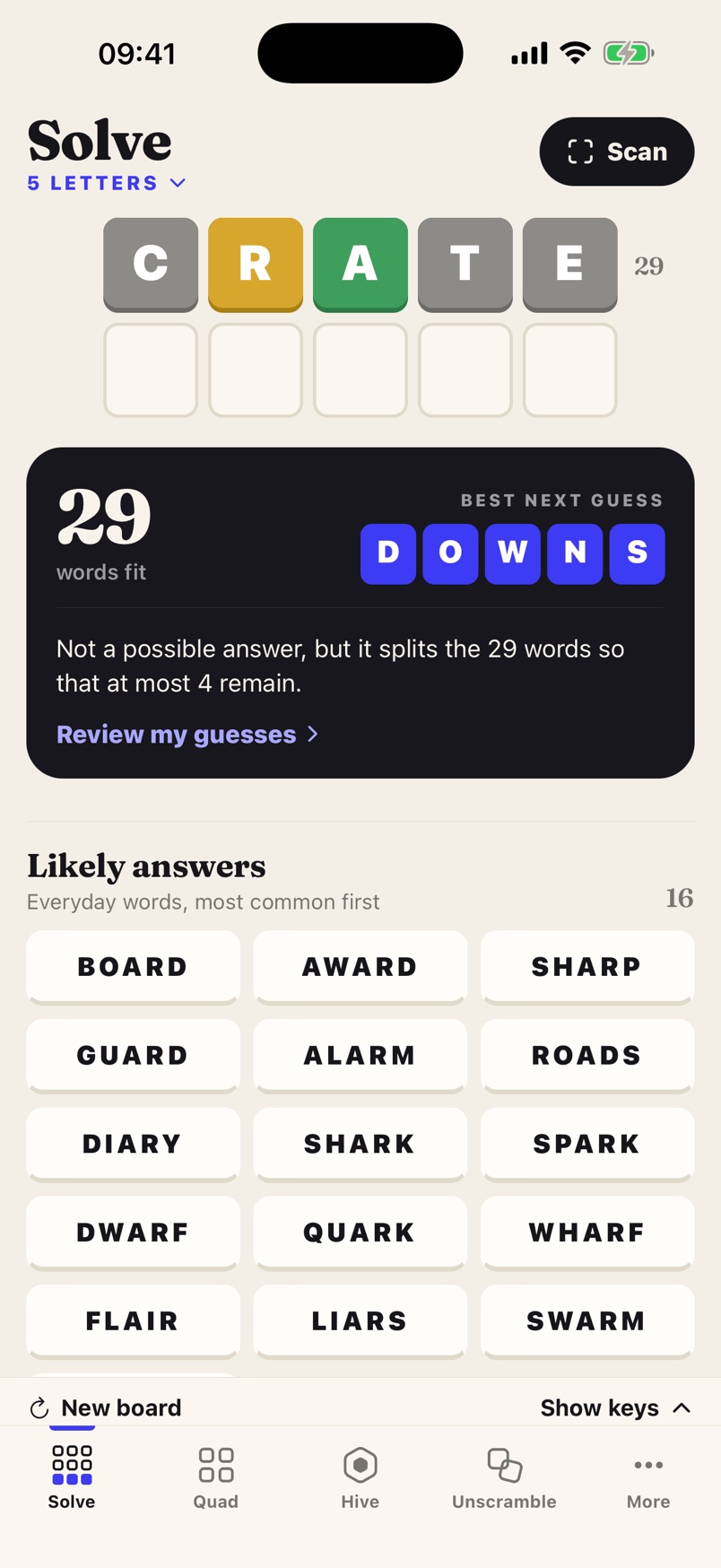
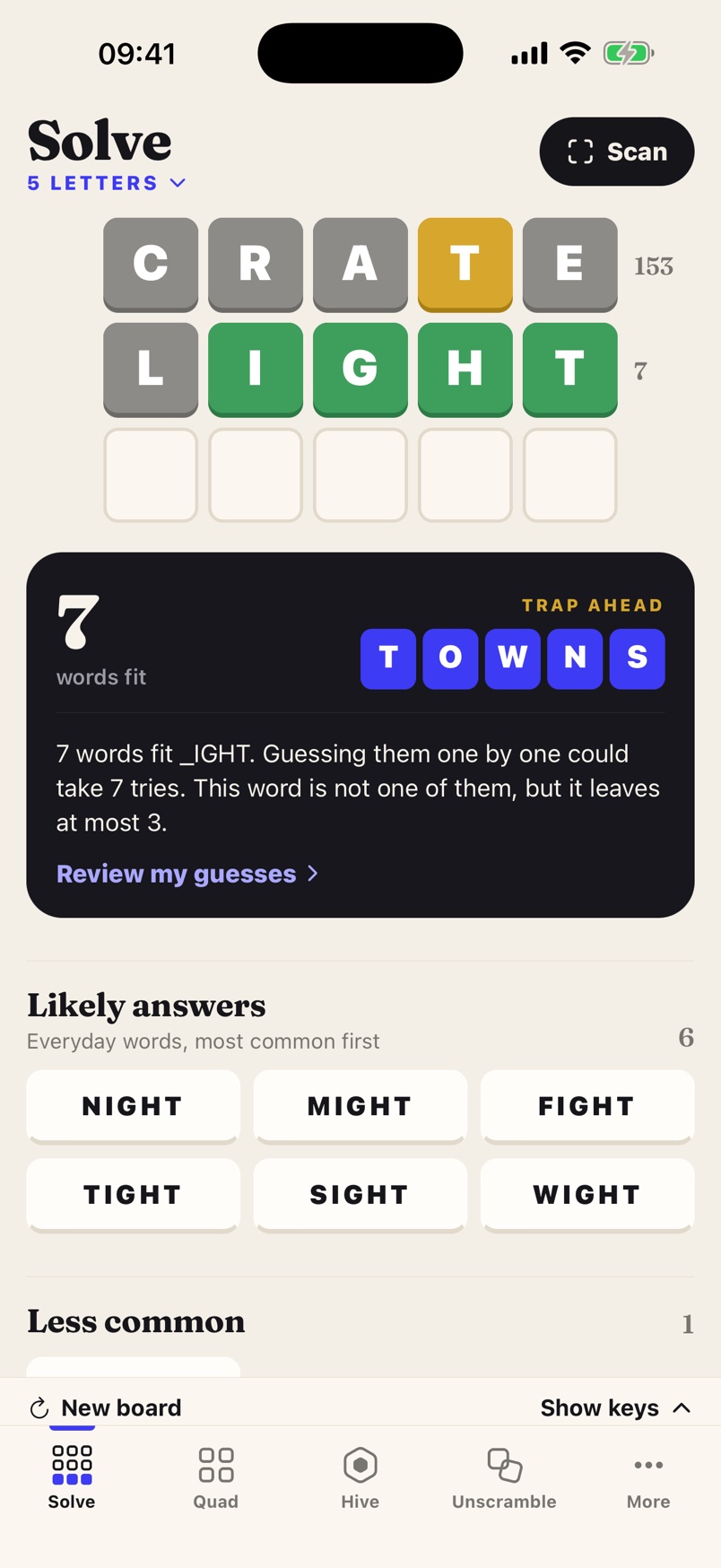
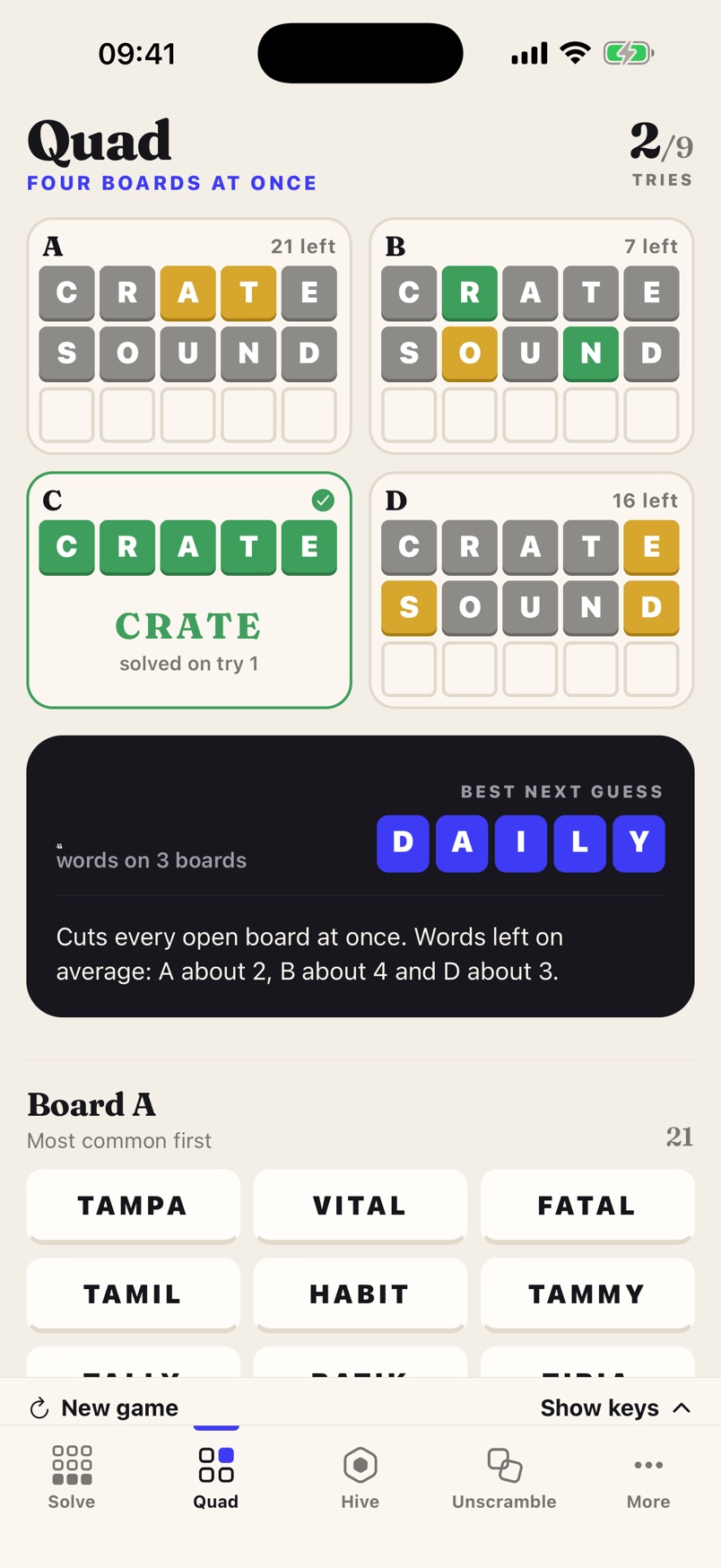
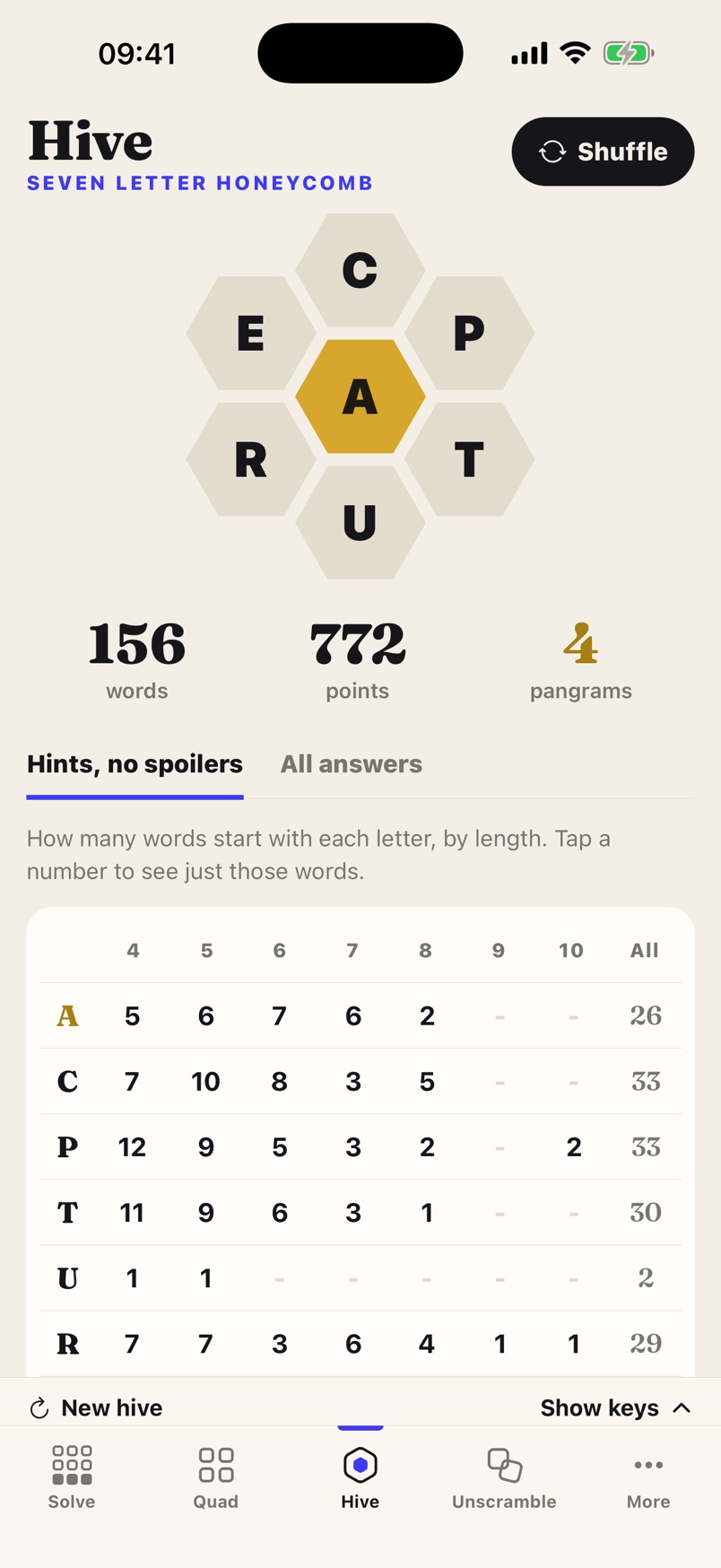
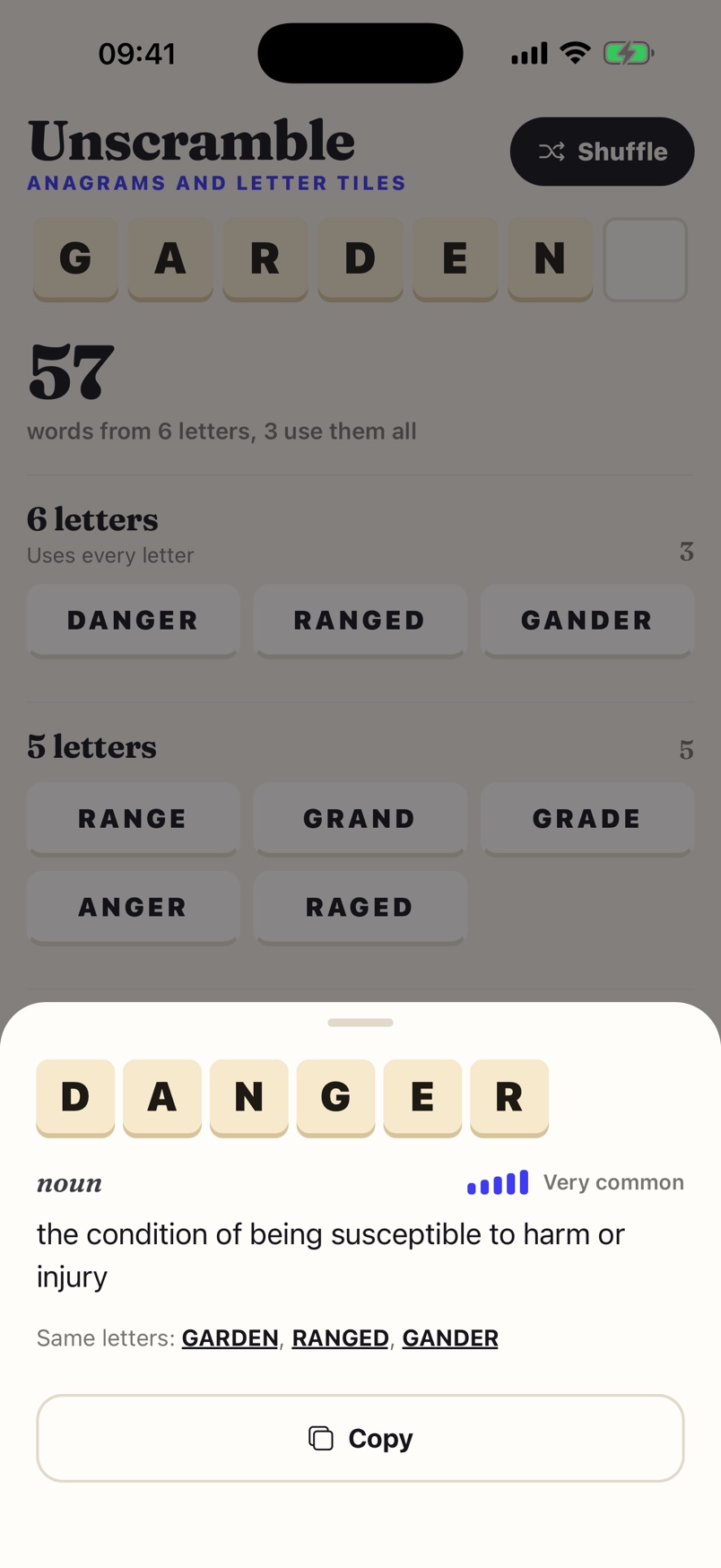
Any puzzle where you guess a hidden word and get a color hint for every letter, with words from 3 to 10 letters, including games with four boards at once. Hive helps with seven letter honeycomb puzzles, and Unscramble with anagrams, jumbles and letter tile games.
Does the camera or a screenshot leave my phone?
No. Photos and screenshots are read on your phone and are never uploaded or added to your photo library. The camera is only used while the scanner is open.
What does Pro include?
Pro removes the banner in the app on iPhone and Android. To remove ads from this website as well, open More in the app, tap "Use Pro on the website", then sign in on this page with the same account: Sign in with Apple if you subscribed on iPhone, Sign in with Google if you subscribed on Android. Subscriptions are bought in the app through the App Store or Google Play and renew until you cancel.
How is it different from this website?
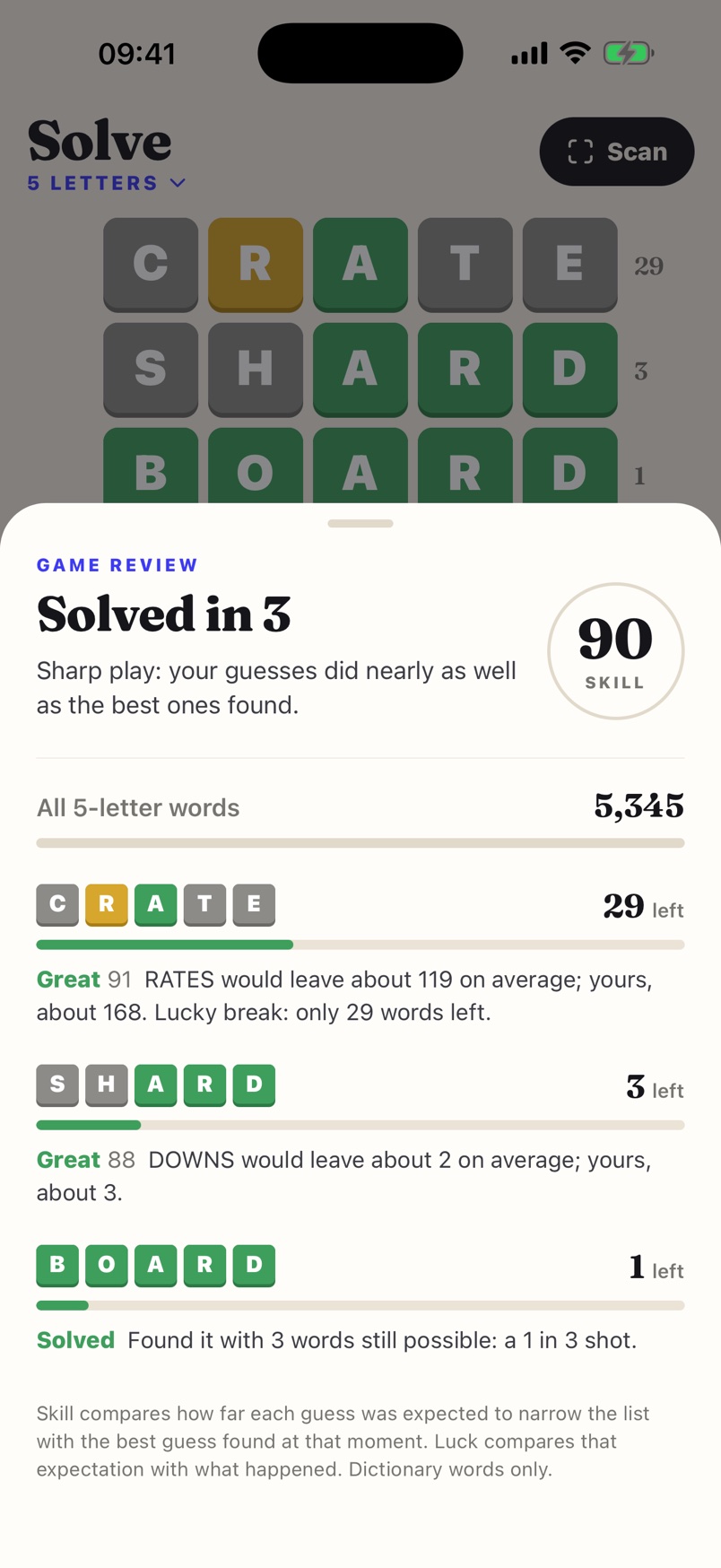
The app is built for your phone: it reads a board from the camera, explains its suggestions and reviews your games, all offline. The website has more: the eight-board solver, the Blossom solver, word lists and statistics.